
Hey there! If you’ve ever found a great picture online and wondered if you can use it for your blog, video, or project, you’re not alone. Before using any image, it’s important to know its copyright status so you don’t run into legal trouble. In this simple 2026 guide, I’ll explain how to check copyright on an image step by step.
We’ll look at easy methods, tools like reverse image search, and even how to check the U.S. Copyright Office database. I’ll also include common searches people make, like “how to check if an image is copyrighted” or “copyright rules for using images online in the US.” Let’s make this super easy so you can create confidently.
Under U.S. copyright law (17 U.S. Code § 102), almost all images are protected the moment they’re created. They don’t need to be registered. But checking copyright is still important because penalties for infringement can go up to $150,000 per work if it’s willful (17 U.S. Code § 504).
How To Check Copyright On an Image?
How do I know if an image is copyrighted? This is one of the most common questions people ask. The good news is that you don’t need legal training. Just follow a few simple steps.
Look for Obvious Signs
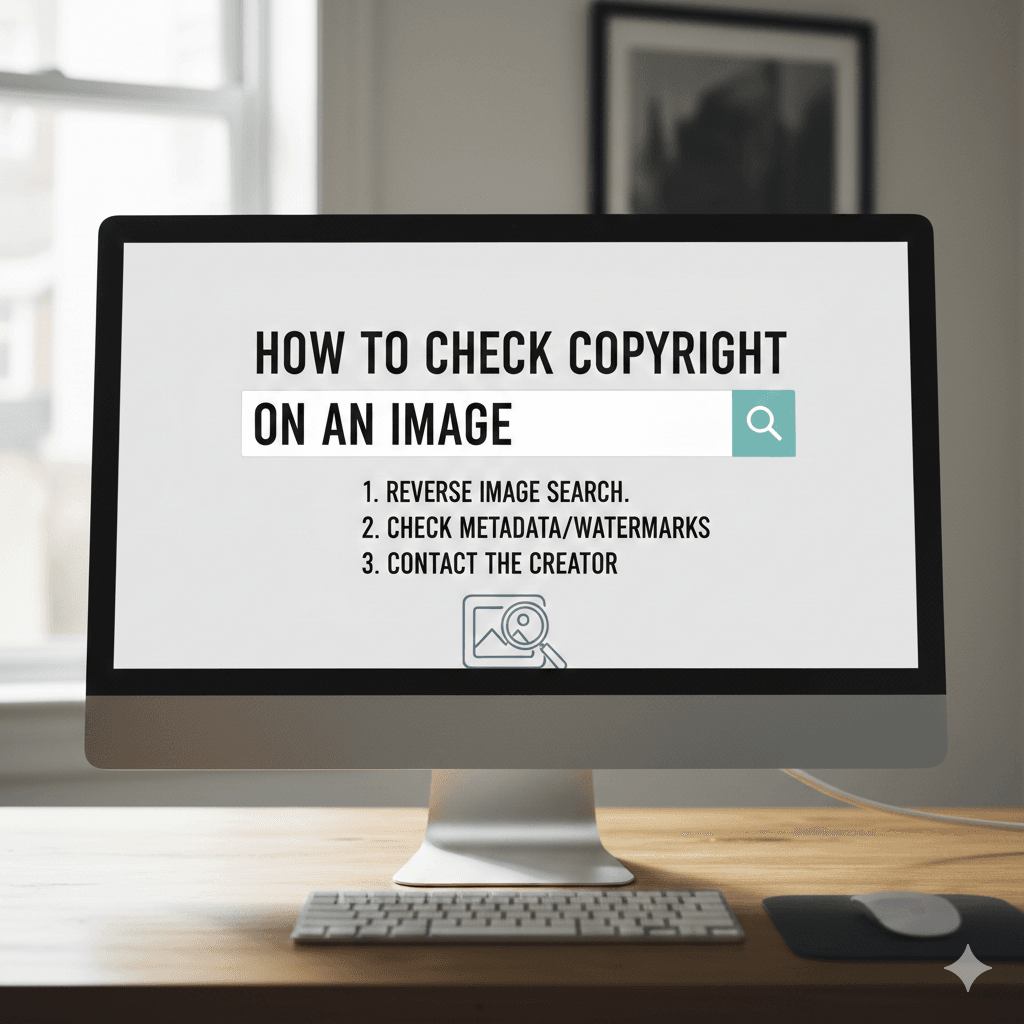
Start by checking the image for clear copyright notices like “© 2026 John Doe” or a watermark. These signs show someone owns the image. But even if you don’t see a symbol, don’t assume it’s free. Since 1989, U.S. law doesn’t require the © symbol anymore. In fact, most images online—around 90%—are copyrighted. So it’s safer to assume the image is protected.
Check the Image’s Metadata
Next, look at the image’s metadata (EXIF data). On a computer, right‑click the image and choose “Properties,” or use free tools like Adobe Bridge or online EXIF viewers. Metadata may show the creator’s name, contact details, or a copyright note. Photographers often add this information. If you find the owner, reach out for permission. This is a smart step under copyright rules for using images online in the US.
Use Reverse Image Search Tools
This is one of the easiest ways to check an image. Tools like Google Images, TinEye, or Bing Visual Search help you find where the image came from.
Here’s how:
- Go to Google Images and click the camera icon.
- Upload the image or paste its link.
- Look through the results to find the original source or licensing details.
TinEye is especially good for finding exact matches and spotting stock photos.
In real-world examples like Brammer v. Violent Hues Productions (4th Cir. 2019), a photographer successfully sued for infringement after discovering unauthorized use of his photo on a website—highlighting why thorough checks (including reverse searches) are valuable for creators monitoring their work.
If the image appears on stock sites like Getty, it’s almost certainly copyrighted.
Can I Use an Image If I Can’t Find the Copyright Owner?
This situation is called “orphan works.” Many people search about this because it’s confusing. Under U.S. law, you still can’t freely use the image even if you can’t find the owner. Copyright owners have exclusive rights under 17 U.S. Code § 106.
Steps to Search Properly
- Document your search efforts.
- Try reverse image searches.
- Check social media or websites where the image appears.
- If you think it might be registered, search the U.S. Copyright Office’s Public Records System (CPRS) at publicrecords.copyright.gov.
- For older works, you may need a manual search.
In March 2023, the U.S. Copyright Office issued registration guidance on works containing AI-generated content, requiring applicants to disclose any such material (more than de minimis) and exclude it from the copyright claim, as AI-generated portions lack human authorship and are not protectable. Following these disclosure rules does not grant copyright protection to the AI-generated portions.
A well-known example of the risks of using reference images without authorization is Shepard Fairey v. Associated Press (settled in 2011), where Fairey’s use of an AP photo as reference for the “Hope” poster led to a confidential settlement involving shared rights to the image and future merchandise profits .
Consider Public Domain or Creative Commons
If the image seems old and you can’t find the owner, it might be in the public domain. As of 2026, works published before 1931 are generally free to use. You can also check Creative Commons Search or Wikimedia for images with clear licenses. Tools like the CC Search Portal are helpful for “how to check if an image is public domain” searches.
Is Using Images from Google Fair Use?
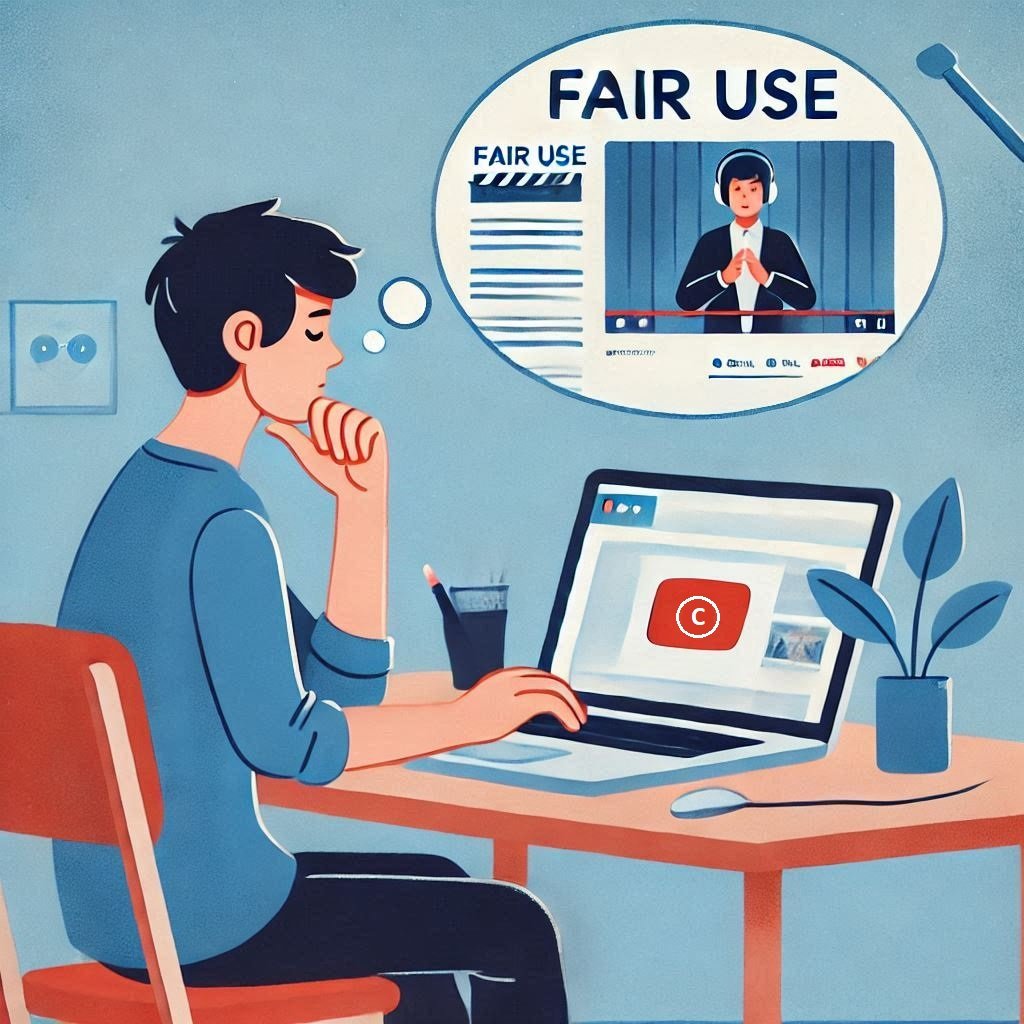
Many people wonder if grabbing images from Google is okay. Fair use (17 U.S. Code § 107) is a defense, not a guarantee. It depends on four factors: purpose, nature, amount, and market effect.
Fair Use Basics
Using a small thumbnail for education or criticism might be fair use. But using a full image on a commercial website usually isn’t. In Andy Warhol Foundation v. Goldsmith (2023), the Court ruled that even transformed images can infringe if they compete commercially. With AI growing fast, cases like Disney v. Midjourney (2025) show how using images without permission can cause legal issues—important for “AI generated art copyright rules US.”
When to Ask for Permission
If you’re unsure, it’s best to ask the owner or use a licensing platform. This helps you avoid statutory damages, which start at $750 per infringement.
How Long Does Copyright Last on Images in the US?
People often search this because it helps determine if something is public domain. For images created after 1977, copyright lasts for the creator’s life plus 70 years. For corporate works, it’s 95 years from publication or 120 years from creation.
How to Check Duration
Use the duration charts on copyright.gov. .For example, a photo from 1930 became public domain on January 1, 2026. But always double‑check. In Eldred v. Ashcroft (2003), the Supreme Court upheld longer copyright terms.
What Are the Penalties for Copyright Infringement on Images?
Under U.S. law, penalties for using a copyrighted image without permission can be civil or criminal, depending on the circumstances.
Civil Penalties (Most Common)
Under 17 U.S.C. § 504, an infringer is liable for either actual damages or statutory damages:
1. Actual Damages + Infringer’s Profits
The copyright owner can recover:
- The actual financial loss they suffered, and
- Any profits the infringer earned from the misuse.
2. Statutory Damages (only if the image was registered before infringement)
- $750 to $30,000 per infringed work
- Up to $150,000 per work for willful infringement
3. Attorney’s Fees & Court Costs
Courts may order the infringer to pay the copyright owner’s legal fees.
Criminal Penalties (Less Common)
Criminal charges apply only when infringement is:
- Willful, AND
- Done for commercial advantage or financial gain.
Penalties can include:
- Fines
- Imprisonment
Shepard Fairey v. Associated Press (2009).
This is one of the most famous image‑copyright cases in U.S. history.
What Happened
- Artist Shepard Fairey created the iconic Obama “Hope” poster.
- The poster was based on an Associated Press (AP) photograph.
- Fairey used the photo without permission, claiming fair use.
Outcome
- The case settled out of court.
- Fairey acknowledged AP’s copyright.
- He agreed to share rights and future profits with AP.
- He also faced criminal consequences for destroying evidence (separate from the copyright claim).
Why This Case Matters
It shows that:
- Even transformative use of an image can still lead to liability.
- Settlements often involve profit‑sharing, not just damages.
- Courts take misuse of copyrighted photos very seriously.
Frequently Asked Questions (FAQs)
Most images you find online are automatically copyrighted under U.S. law the moment they’re created (17 U.S. Code § 102). To check: Look for a © notice or watermark, examine metadata, run a reverse image search on Google or TinEye, and search the U.S. Copyright Office database at publicrecords.copyright.gov.
If no clear public domain or license shows up, assume it’s protected and seek permission.
No, not freely—Google Images just indexes what’s online; it doesn’t own or license them. Using images from search results can infringe copyright unless it’s fair use, public domain, or licensed (e.g., Creative Commons). Always trace the original source via reverse search and check for usage rights.
Yes, it can still be copyrighted! Since the U.S. joined the Berne Convention in 1989, the © symbol isn’t required for protection. Automatic copyright applies to any original image fixed in a tangible form.
Check the publication date: As of January 2026, works (including images) first published in the U.S. before 1931 are in the public domain (95 years from publication for pre-1978 works). Use tools like the Copyright Office’s duration charts or sites like Wikimedia Commons. For very old images, confirm no renewal was filed if needed
Fair use (17 U.S. Code § 107) allows limited use without permission for purposes like criticism, comment, news, teaching, or research. Courts weigh four factors: purpose (non-commercial better), nature of the work, amount used, and market effect. Thumbnails or educational use might qualify, but full commercial copies often don’t—see cases like Andy Warhol Foundation v. Goldsmith (2023).
For images created after 1977: Life of the author plus 70 years (or 95/120 years for anonymous/works-for-hire). For pre-1978 published images: Generally 95 years from publication. Example: A photo published in 1930 entered public domain on January 1, 2026.
You could face infringement claims, with damages from $750 to $30,000 per work (or up to $150,000 if willful—17 U.S. Code § 504). Owners can sue for injunctions too. Real examples include high-profile cases like Brammer v. Violent Hues (unauthorized website use).
Look for public domain sources (e.g., pre-1931 works now free in 2026) or Creative Commons-licensed sites like Unsplash, Pixabay, Flickr CC search, or Wikimedia. Always verify the exact license—some allow commercial use, others require attribution.
Final Tips for Safe Image Use in 2026
To sum it up, how to check copyright on an image is all about being careful. Look for notices, check metadata, use reverse searches, and check the U.S. Copyright Office. If you want to know how to register copyright online USA, go to copyright.gov/eco—it costs $45 and gives you stronger protection.
For safe use, stick to licensed sites like Unsplash or Pixabay. And when in doubt, create your own images or hire a professional. Stay creative and stay legal.
Disclaimer: This article is for general information only and not legal advice. Consult an attorney or copyright.gov for specific cases. Some referenced lawsuits are ongoing as of January 2026. The author assumes no liability for use of this content.